Personalize your takeaways & insights with AI





As the primary collaboration platform for many organizations for nearly two decades, SharePoint has been used to store and manage company documents, enable workflow and portal functionality for internal communications and employee engagement, and facilitate collaboration among various departments.
But for those who are still using older versions (2007 – 2010) of SharePoint, or those whose environments are heavily customized and therefore cannot take advantage of the latest on-premise versions (2013, 2016), their collaborative platform is growing increasingly unstable.
At this point, SharePoint is no longer helping work happen; it’s now hindering it.
That’s why, when companies migrate and modernize SharePoint, it is not merely a technical update; it is a strategic initiative designed to transform how work happens within the company.
Coventus views SharePoint modernization as a business transformation — aligning platform design, governance, and automation with how your organization works today and where it will be headed tomorrow.
Why Simply Lifting and Shifting SharePoint Won’t Cut It
Many organizations view migrating SharePoint as nothing more than a content transfer:
- Move all of the content to SharePoint Online
- Declare success.
- Move on.
Reality dictates that simply moving legacy issues to a new environment is precisely what the “lift and shift” methodology accomplishes.
- Old site structures.
- Overly large libraries.
- Broken workflows.
- Perplexing permissions.
Simply transferring technical debt from one environment to another doesn’t eliminate it; it moves it.
A modern SharePoint environment needs to look and function in every way like a completely different platform from its predecessor. It needs to be faster. Cleaner. Easier. More intuitive.
You needn’t simply migrate SharePoint; you need to modernize it.
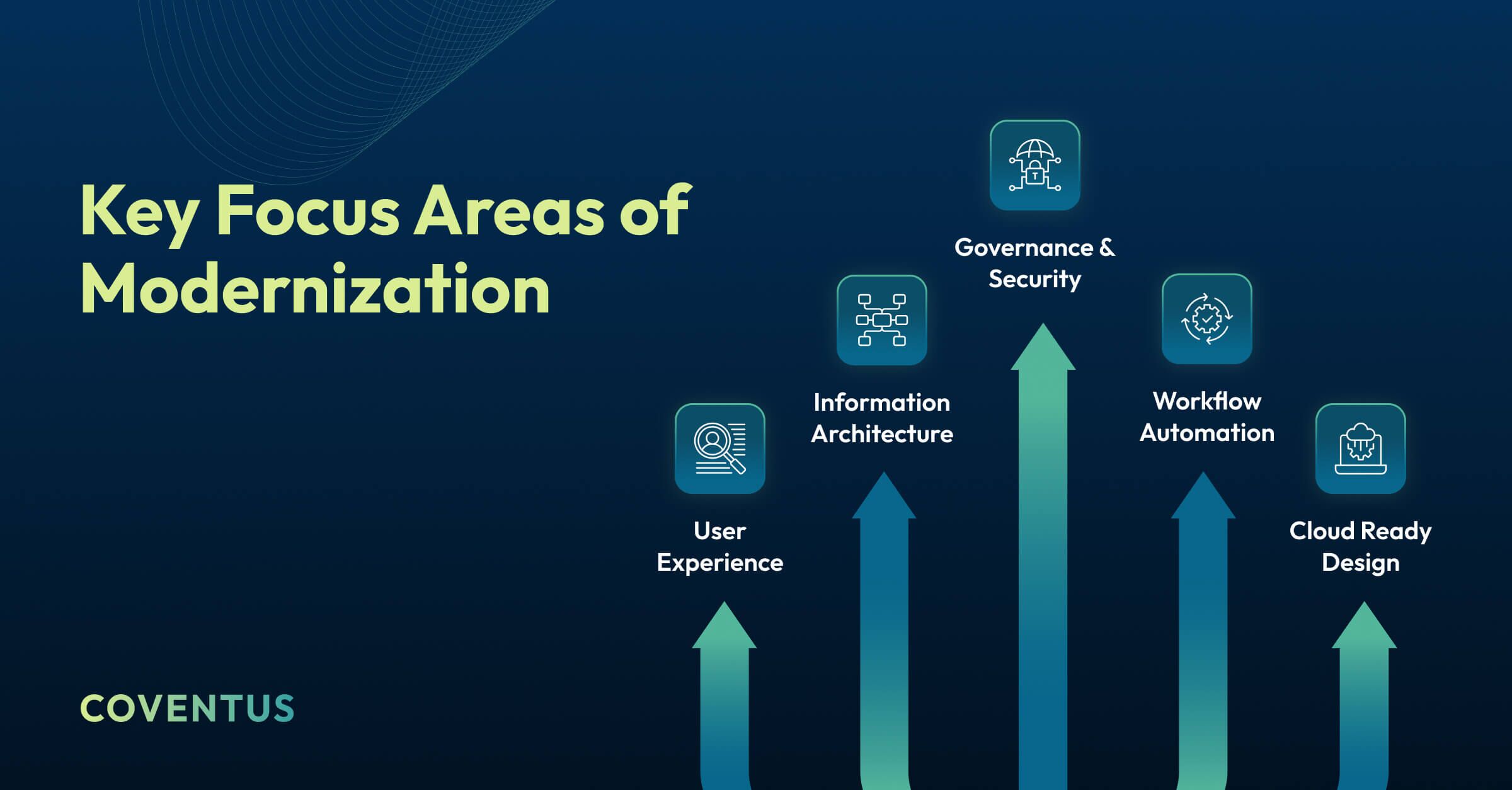
True modernization encompasses multiple aspects of the platform:
User Experience
Redesigning sites to minimize clicks, provide clean layouts and make task completion easier and more intuitive.
Information Architecture
Rebuilding the taxonomy and applying relevant metadata to allow users to find the information they need in mere seconds versus minutes.
Workflow Automation
Governance & Security
Establishing policy-driven access models that reduce risk and foster collaboration.
Cloud Ready Design
Aligning the overall architecture with Microsoft 365, Copilot and future AI capabilities.
The objective isn’t solely to adopt the cloud; the objective is to establish a collaboration platform that supports the modern workplace.
Full Cycle SharePoint Assessment & Modernization
Each successful modernization project begins with an understanding of the current state of affairs.
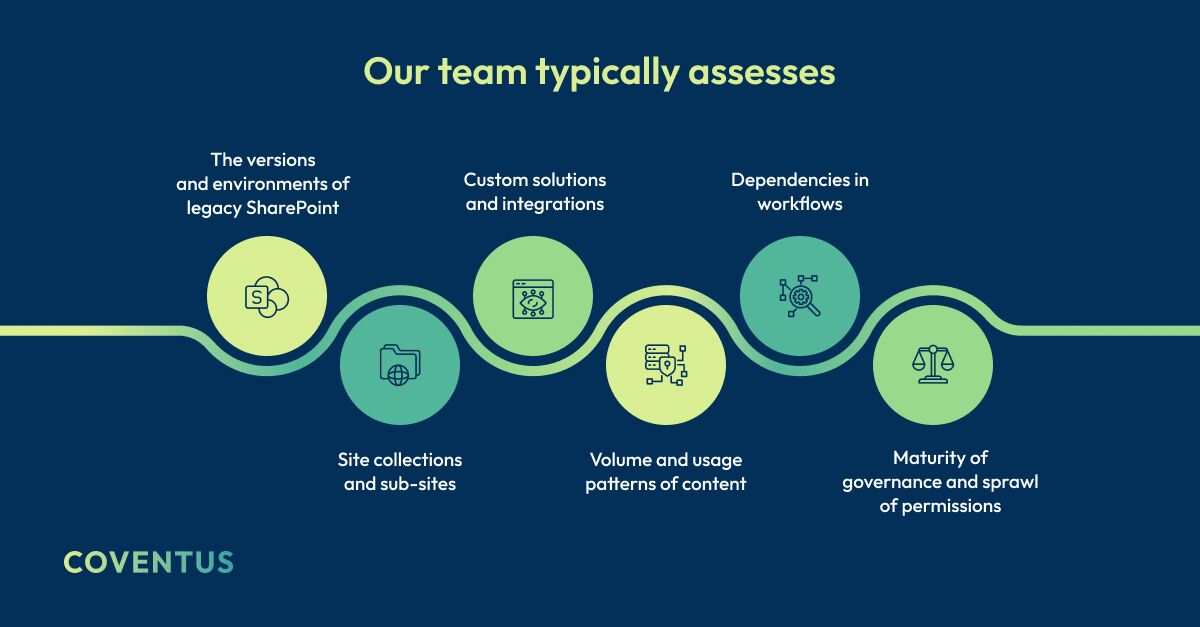
The resulting assessment creates a clear picture of risk, complexity and opportunity.
From there, organizations migrate to SharePoint Online while modernizing:
- Information Architecture
- Site Design and Navigation
- Workflows
- Customizations
Rather than transporting years of technical debt to the new environment, outdated components are replaced with scalable, cloud ready solutions.
Benefits of Modernization
- Environment is faster, cleaner, and more secure
- Optimized for use with Microsoft 365 and AI enabled features
- Lower long term maintenance costs
We’ve seen a reduction of up to 40 percent in workflow maintenance overhead in our most recent engagements and significantly reduced time spent searching for content through modernization.
Through modernization, SharePoint becomes a strategic platform, not simply a document repository.
Modern User Experience & Intelligent Information Architecture
Classic SharePoint sites were built for a different time.
Modern SharePoint sites are designed to optimize speed, simplicity, and clarity.
Consider it as transitioning from a digital filing cabinet to an application-like experience.
Modernization Includes
- Modern Pages and Web Parts
- Responsive Layouts
- Dynamic Navigation
- Personalization
- Hub Site Architecture
Our design method starts with user journeys — mapping out how employees complete tasks prior to designing site structure.
Intelligent Information Architecture Outlines
- How Content Is Categorized
- How Metadata Is Applied
- How Users Search and Browse
Business Benefits
- Greater user adoption
- Less time searching
- Increased productivity
Without the necessity of developing extensive custom code.
Automating Workflow with Power Automate & AI
Legacy environments typically rely on:
- SharePoint Designer Workflows
- InfoPath Forms
- Custom Code
Most of these tools are either deprecated or soon will be.
Modernization replaces them with Power Automate and AI enabled automation.
For example, a previously manual contract approval process that required email chains and follow-up phone calls can be replaced with an automated workflow with real-time tracking and intelligent routing.
Examples of Modernized Workflows
- Approval of Documents
- Employee Onboarding
- Purchase Requests
- Contract Routing
- Notification & Alerts
AI can further assist in:
- Document Classification
- Data Extraction
- Intelligent Routing
Benefits of Modern Automation
- Shorter cycle times
- Lower maintenance costs
- Reduced dependency on unsupported platforms
Our workflow redesign methodology focuses on eliminating redundant steps and aligning automation to measurable business outcomes.
Governance, Security & Content Cleanup
Modern SharePoint only delivers value when built on a solid foundation.
Before migration, organizations must address:
- Obsolete and redundant content
- Permission inconsistencies
- Inheritance failures
- Missing or incorrect metadata
We implement governance frameworks that balance control with usability, including:
- Standardized site provisioning
- Role-based permissions
- Lifecycle automation
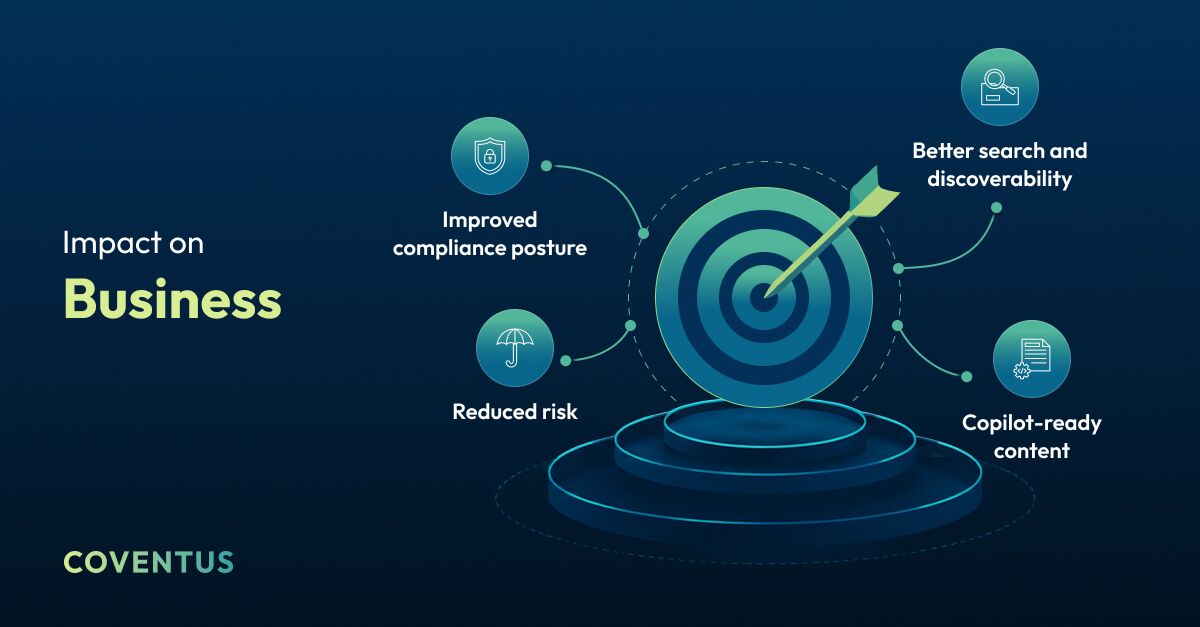
- Compliance-ready retention
Governance is not about restricting users.
It is about enabling safe, scalable collaboration.
Easy Migration with Little to No Downtime
Migration does not need to be disruptive.
Using proven tools and frameworks, organizations can:
- Perform phased migrations
- Run parallel environments
- Migrate incrementally
- Test and validate
- Plan predictable timelines
We pair technical execution with structured change management—communication, training, and adoption support—so users transition confidently.
SharePoint as the Foundation of the Digital Workplace
Modern SharePoint underpins:
- Microsoft Teams integration
- Enterprise search
- Knowledge management
- AI-driven experiences
For example, integrating SharePoint intranet hubs with Teams creates a unified workspace where conversations, documents, approvals, and knowledge live together.
This foundation enables broader initiatives such as:
- Digital employee experience (DEX)
- Intranet modernization
- Enterprise automation
- AI-readiness
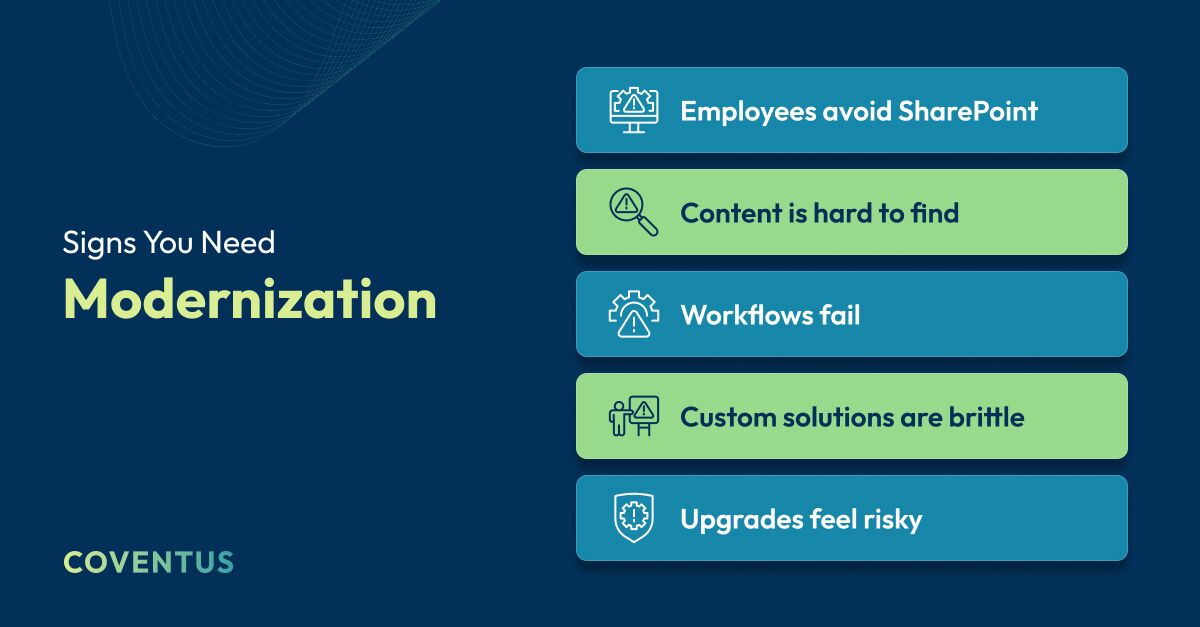
These are not isolated issues.
They are symptoms of an outdated platform.
SharePoint Modernization Is a Business Transformation
Modernization is not about technology alone
It is about:
- Improving how people work together
- Reducing friction
- Enabling faster decisions
- Supporting growth
Organizations that treat modernization as a strategic initiative—not just an IT project—see the greatest return.
Closing Thoughts
Moving to SharePoint Online is an important first step.
Modernizing how SharePoint is designed, governed, and used is where real value is created.
When done correctly, the outcome is:
- Better user experience
- Smarter automation
- Stronger governance
- Safe, scalable collaboration
If your organization is evaluating a SharePoint migration or struggling with legacy limitations, a structured modernization assessment can provide clarity and a practical roadmap forward.
Contact Coventus to schedule a SharePoint Modernization Assessment and transform your collaboration platform into a true business advantage.
Share this article