Personalize your takeaways & insights with AI


When teams spend more time searching for documents than using them, productivity suffers, decision-making slows down, and risk quietly increases.
Most organizations store documents across shared drives, email attachments, and multiple collaboration tools. As a result, teams struggle with outdated versions, duplicated work, and inconsistent access controls.
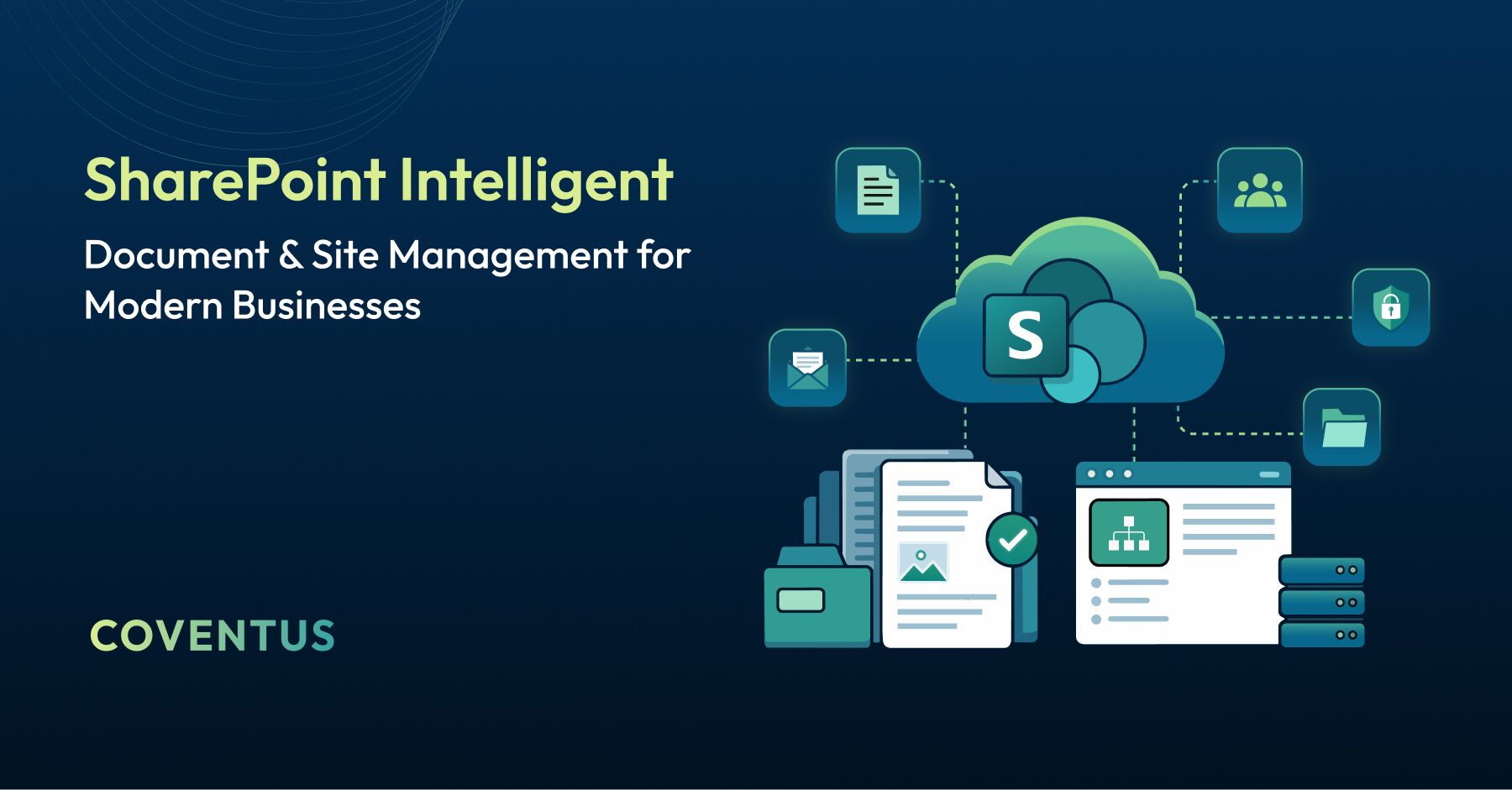
SharePoint online document management brings structure to this chaos by providing a centralized, intelligent content platform within Microsoft 365, helping businesses work efficiently, collaborate securely, and scale with confidence.
Why Do Modern Businesses Have Difficulty with Document Management?
The challenge typically develops over time as organizations grow:
- Documents are stored across multiple systems with little structure.
- Legacy file servers, email attachments, and cloud apps create fragmentation.
- Redundant effort leads to inconsistent and outdated information.
- Governance gaps increase compliance and security risks.
How SharePoint Enables Intelligent and Governed Document Management
As a content management system, SharePoint provides a structured framework for managing content across the organization.
Core capabilities include:
- Centralized document libraries with metadata-driven organization.
- Automated workflows for approvals and content lifecycle management.
- Real-time collaboration and co-authoring.
- Governance controls, including permissions, auditing, and retention policies.
Together, these capabilities create an environment where content is accessible, well-governed, and trustworthy across the organization.
Principle for Success: The effectiveness of SharePoint depends on thoughtful architecture and governance. Structure is what transforms SharePoint from storage into a business system.
Common Challenges Associated with Enterprise Document Management Solved by SharePoint
Document management challenges vary across organizations, but the underlying patterns are consistent. SharePoint addresses these patterns with a structured, repeatable framework that works across all departments.
How SharePoint Provides a Framework to Manage Enterprise Documents
Business Challenge
- Files scattered across users’ inboxes, shared directories, and individual storage devices.
- Teams working from outdated versions of files without awareness of what exists or who has access to those versions.
- Redundancy in efforts due to duplication.
How SharePoint Addresses It
SharePoint replaces scattered storage with a single, governed content platform accessible across the organization.
Document management through SharePoint provides:
- A centralized library structure with consistent naming conventions and metadata tagging.
- Role-based access controls that ensure the right people reach the right content.
- Automated version tracking so teams always work from the current, approved file.
Business Value
- Less time spent locating information.
- Reliable source of truth.
- Fewer operational inefficiencies.
Conflicting Versions and Lack of Visibility
Business Challenge
- Uncertainty around final or approved documents.
- Time lost reconciling competing drafts.
- Delays caused by a lack of clarity.
How SharePoint Addresses It
- Real-time co-authoring with tracked changes.
- Version history with rollback capability, giving teams full visibility into a document's lifecycle.
- A single, authoritative version of record.
Business Value
- Faster, confident decision-making.
- Fewer errors and rework.
- Clear visibility into current documentation.
Unconnected Collaboration Methods
Business Challenge
- Email chains replace structured collaboration processes.
- File sharing outside of designated collaborative platforms results in delayed responses.
- Lack of visibility into ongoing activities.
How SharePoint Addresses It
When teams rely on disconnected tools, effective collaboration becomes harder to maintain. SharePoint automates document routing and brings collaboration into a single, structured workspace, replacing fragmented communication with connected processes.
SharePoint allows:
- Real-time collaboration on documents.
- Shared workspaces to replace uncoordinated communication processes.
- Ongoing visibility into updates and progress.
Business Value
- Improved cross-location collaboration.
- Reduced delays and miscommunications.
- Connected content and conversations.
Increased Risk from Unauthorized Access and Compliance Violations
Business Challenge
- Unsecured unauthorized access to confidential and sensitive company information.
- Difficulty tracing access history, data usage, and activity.
- Diverse, inconsistent governance practices throughout departments and divisions.
How SharePoint Addresses It
Without standardized controls, sensitive content can be shared or accessed by the wrong people. SharePoint’s governance and compliance tools are a core part of what makes it a reliable enterprise solution
SharePoint provides:
- Permission structures based on role assignments.
- Standardized compliance policies throughout organizations.
- Tools for auditing, tracking, document retention, and protection.
Business Value
- Stronger compliance position.
- Better ability to monitor access, history, activities.
- Protection of company assets without hindering employee productivity.
Expert Opinion: In most cases, security incidents stem from poorly defined permission structures, not malicious intent. Putting governance in place early prevents far larger problems down the road.
Mismanagement of Team Sites
Business Challenge
- Team sites grow in a disorganized and uncontrolled manner.
- Navigation and architectures are inconsistent and cannot be determined.
- Decreasing usage and adoption.
How SharePoint Addresses It
Consistent site design and navigation are what make SharePoint environments intuitive to use. A well-planned site architecture is one of the most important factors in long-term adoption for any business deploying SharePoint.
SharePoint provides:
- Structured, manageable site development processes.
- Flexibility to design sites for different teams and use cases.
- Sites that scale to meet department and business needs.
Business Value
- Improved ease-of-use and site navigation.
- Greater adoption and utilization rates among teams.
- Long-term benefits from using the platform.
Benefits of SharePoint Document Management System
- Centralized enterprise document management.
- Secure collaboration across teams and locations.
- Built-in Version control.
- Full audit trails and activity tracking.
- Scalable SharePoint site management across departments.
Establishing an Organized Content Base Using SharePoint
Hybrid work has changed what employees expect from their tools. People now expect content to be available immediately, from any device, wherever they are working.
A well-designed SharePoint environment delivers:
- Access from any device, anywhere.
- Automatically enforced permissions.
- Scalable systems across departments.
- Reduced operational friction.
When content is easy to find and manage, teams can focus on the work that matters instead of searching for what they need.
Why SharePoint Is a Total Solution for Intelligent Content Management Solutions
SharePoint is not just a place to store files. It is a full content management system designed to handle how documents are created, processed, stored, and retired across the business.
Intelligent content management means:
- Content organized and discovered using metadata.
- Automated document processing and lifecycle management.
- Connected workflows across teams and processes.
Why Governance Structure in SharePoint Implementation Is Important
Many organizations deploy SharePoint successfully, but struggle to sustain its value over time. The most common reason is the absence of a governance plan or framework at the outset.
Findings in Our Industry Experience
- Systems without established governance become unsustainable and increasingly difficult to manage.
- Poorly designed structures lead to low utilization and adoption.
- Design decisions made during the initial phases significantly impact scalability.
What This Means to Your Organization
- An organization’s operating system should reflect how its employees work together.
- Develop a governance model that supports both security and usability.
- Create an effective strategy for increasing adoption and long-term usage.
Governance is not a constraint; it is what enables scale, trust, and long-term adoption.
Conclusion: Building a Lasting Foundation for Content Intelligence
SharePoint Online is a proven Microsoft solution for intelligent document management, combining collaboration, governance, and automation in a single platform.
Organizations that invest in a structured SharePoint foundation gain:
- Centralized, trusted content.
- Streamlined workflows.
- Built-in governance and compliance.
- Faster, more secure collaboration.
Ready to build an intelligent, scalable content foundation?
Talk to our SharePoint experts about designing a solution that grows with your business.
Share this article